Logitech
Devices Configuration Desktop Software, 2022
Challenge & Solution
The number of active users in this software did not meet expectations. Logitech had hoped to promote more active users in the app to build a stronger brand image, better digital user experience, and more diverse user behavioral data.
My Role
UX Designer (Project Lead): I was responsible for almost all the research and design processes in this project, including quantitative user research, design strategy, graphical interface design, desirability test, and hi-fi prototyping. (Internship supervised by Keri)
Impact
Short Term: The product and marketing teams successfully recognized the effectiveness of the onboarding, awareness solutions, and consideration-related features of Logitech Options+. Also, the testing indicated the solutions would increase users’ satisfaction rates.
Long Term: Redefined the 50+ page archetypes and digital experience opportunity report and shared it with the global ux design, marketing, and consumer insight teams.
Team
1 Design Lead
1 Design Manager
Timeline & Status
3 months
Proposed in June 2022



Challenge
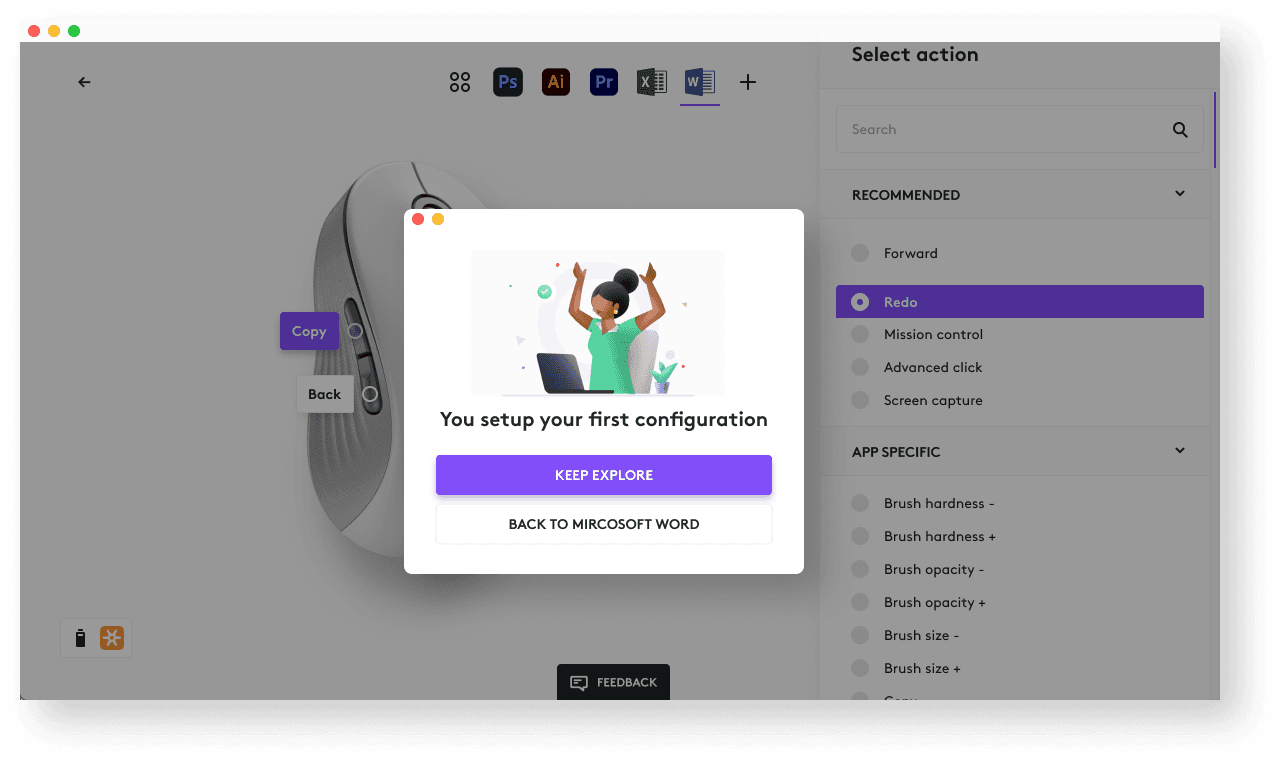
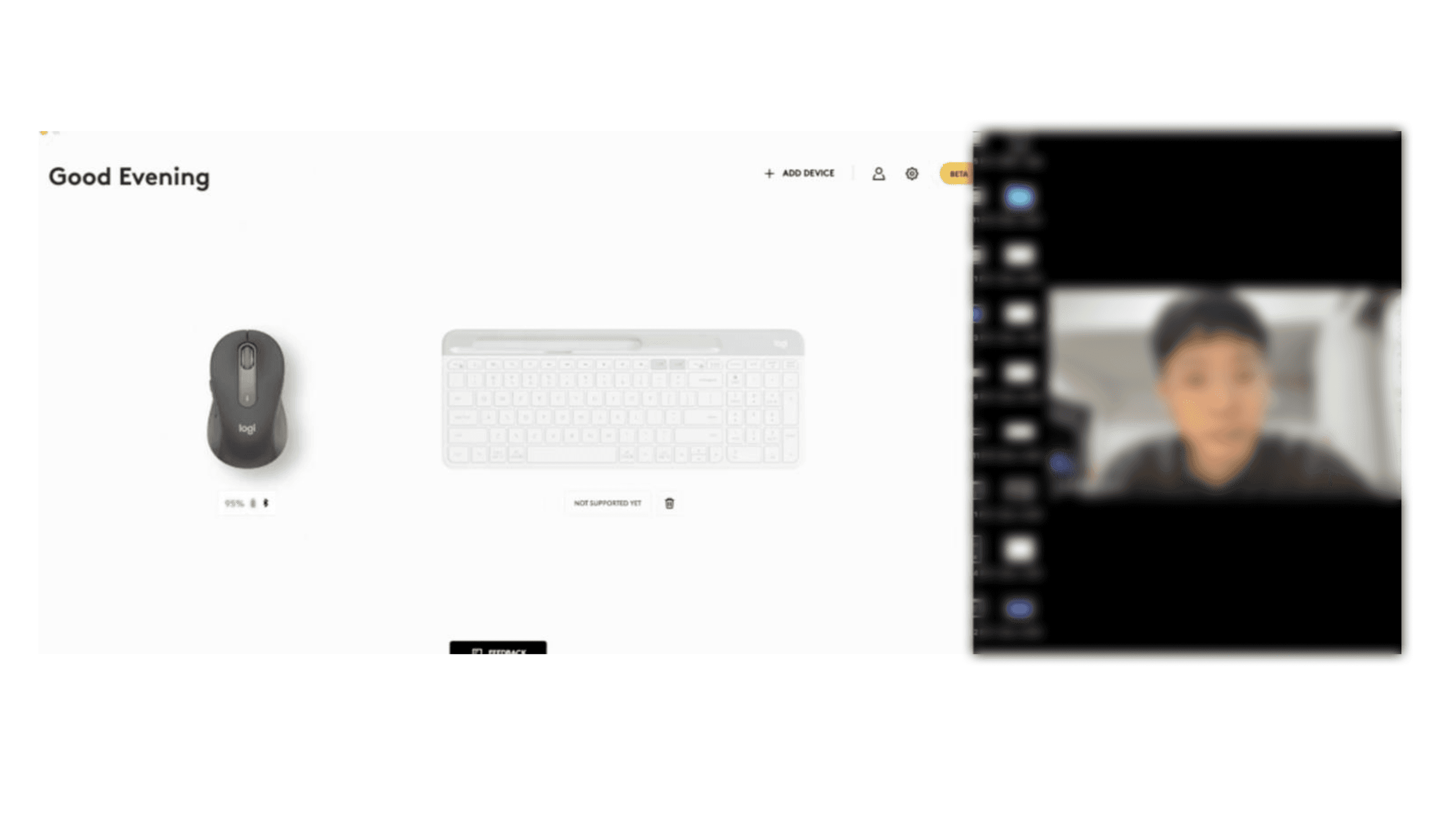
Logi Options+ is the powerful, easy-to-use, next-gen application that enables customization for Logitech mice and keyboards so you can work how you want. The most common user scenario is using it to customize the buttons and keys for their keyboards and mouses. However, the number of its active users in this software did not meet expectations.
Logitech had hoped to promote more active users in the app for the following reasons:
Stronger Brand: Enhance consumer brand loyalty/adherence.
Better Experience: Integrate software and hardware for a more complete user experience, increasing the market value of hardware products.
More Data Collection: Collect more behavioral data from office knowledge workers as a reference for developing future products
Issue Analysis
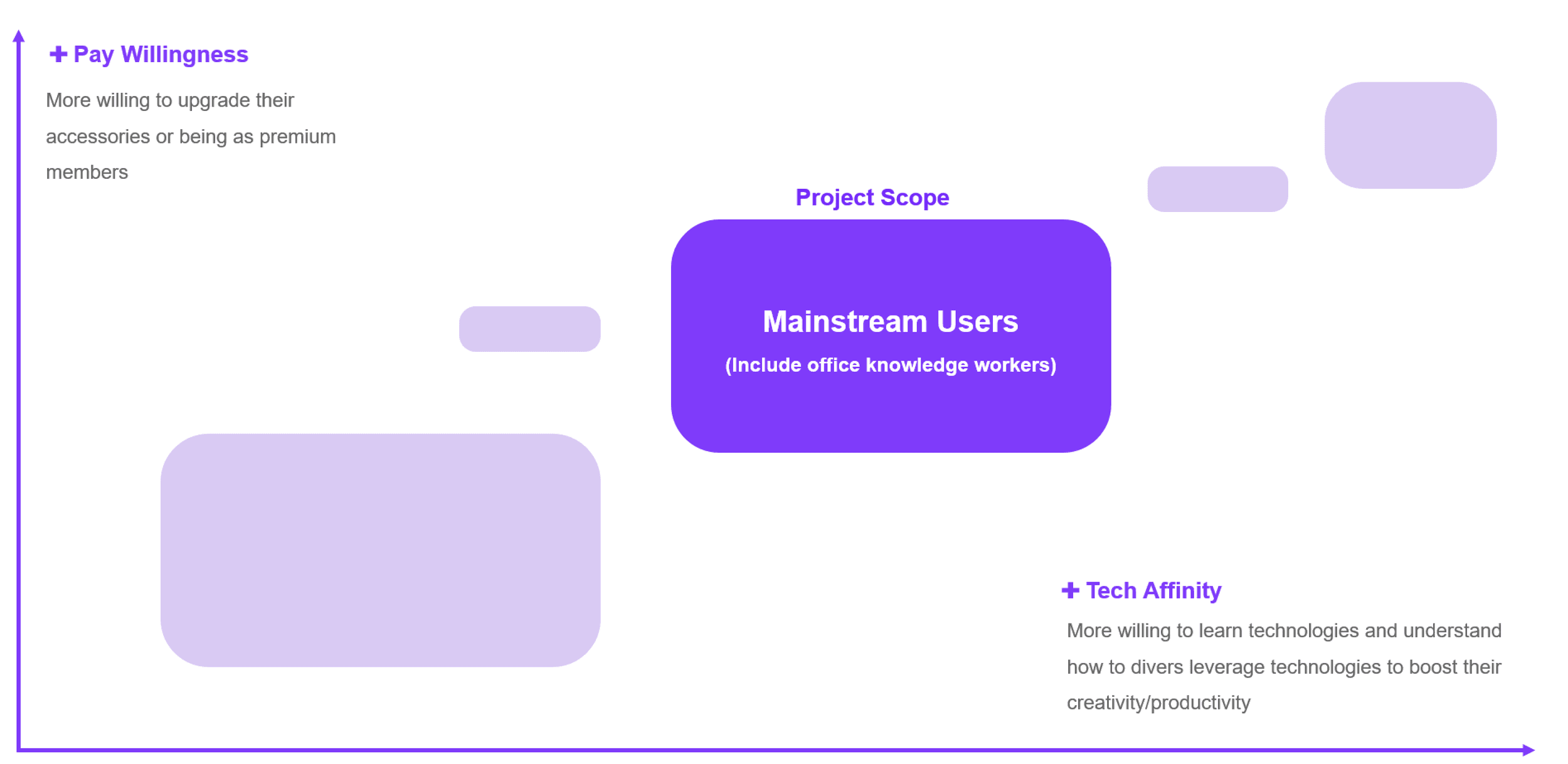
I broke down the issue tree to find the design opportunities. We decided to prioritize the optimization of the software for office knowledge workers, as they constitute a significant portion of the hardware product consumer base and have one of the lowest rates of software retention.

Archetype
Drafted their behaviors and attitudes
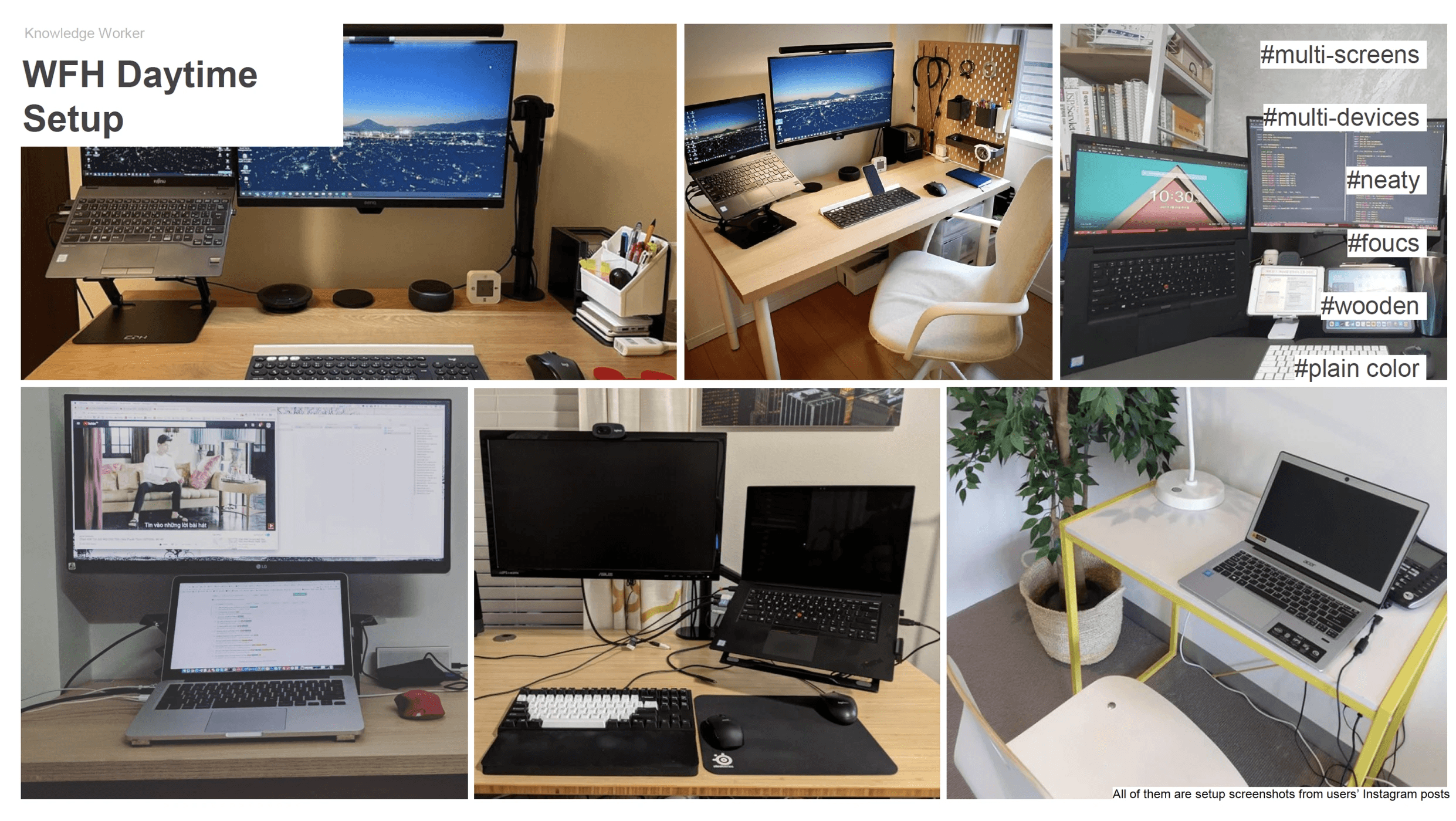
I created a comprehensive report based on millions of user data points and semi-structured interviews to help teams better understand the users and explore design opportunities for developing new features in Logitech Options+ software. I continually asked myself: How can we inject creativity and boost productivity into the daily lives of office workers?




Design Goal
Define design strategies: the biggest impact will be laid on the “Engagement"

Testing
To confirm the efficacy of our concepts, I conducted a series of tests both within our team and with external users. I presented users with prototypes during several interview rounds to gauge their responses. Based on their feedback, I refined the designs. This iterative process allowed me to develop a range of solutions that were well-received and viewed positively by our users.
Methods: Survey & Semi-structured user interview
Participants: 6 males + 6 females; all office knowledge workers
Proposal
1st design strategy: Switch from passively waiting for users to explore to actively suggesting users explore new productive
The main highlight of Logitech Options+ was its shortcut configuration settings. However, I noticed many users were uncertain about which shortcuts to set up when they logged into the software. During user studies, I observed several users exhibiting repetitive behaviors in their daily tasks. For instance, accounting managers who frequently edited numerous Excel sheets repeatedly calculated different column and row numbers. These mundane and inefficient tasks could be quickly addressed by setting shortcuts on their mouse through Logitech Options+. Consequently, I shifted the strategy of this software from passively waiting for users to actively encouraging exploration. In other words, Logi Options+ could automatically detect users' repeated behaviors in different software and suggest useful shortcuts for setting up on their mouse or keyboard. Whenever Options users open their favorite applications, their customized buttons would appear for a few seconds to remind them to use shortcuts to save more time.

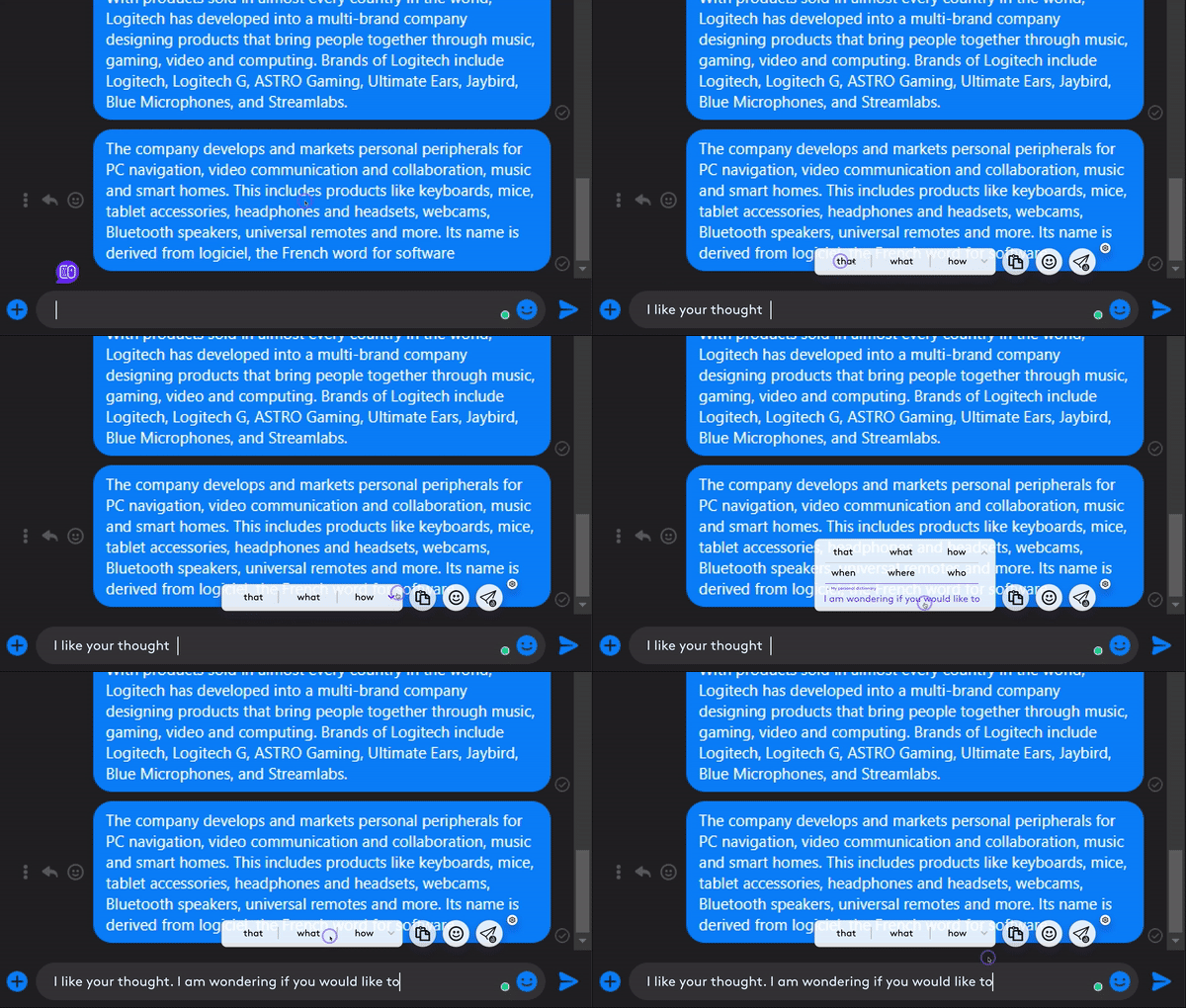
For our target users, efficiency was paramount in their workplace. However, they were often bogged down by minor yet time-consuming tasks in their daily office work, such as searching for specific screenshots amidst a cluttered desktop. Additionally, some users, particularly the Taiwanese participants in our test, struggled with typing quickly in English, a skill more easily accomplished on their smartphones. Since keyboards exist primarily to enhance input efficiency, I developed a series of next-generation customizable shortcuts, including dictation and handwriting. This office work widget was designed to make their work quicker and smarter.



Many users expressed that the opinions of those around them influenced their willingness to try new technology. They also valued connections not just with coworkers but also with family members. They wanted a little creative spark in their routine office life, which could have boosted productivity and brightened their moods. Therefore, the designs below emphasize empowering them with more chances to customize their pattern crossing different platforms. They were interested in having more flexibility to modify partnered theme patterns and inviting friends to explore additional themes. In the future, Logitech will have significant potential for collaborations with other brands to attract more users. This approach could have overcome some users' hesitations about trying the app.

2nd design strategy: Build emotional connections to products through recommendations from people around users
I also designed this feature to encourage users to delve into more features of Logitech Options+ by rewarding them with Options+ points. This incentive scheme spurred them to further explore the app in order to earn more aesthetic customizations for their desktops.


Takeaway
I learned how to align design goals with business needs and adopted a product mindset to create more feasible and profitable designs.
I learned that UX design requires considering the organization's perspective by putting myself in different stakeholders' shoes to engage the team in the design ideation process as early as possible.